


By Chris Guld, GeeksOnTour.com
As an RV traveler, this has to be my favorite feature of Google Photos. I take a picture every time we park at a new camp spot. Now, whenever we are away from that spot, I can easily navigate back there using this feature of Google Photos and Google Maps.
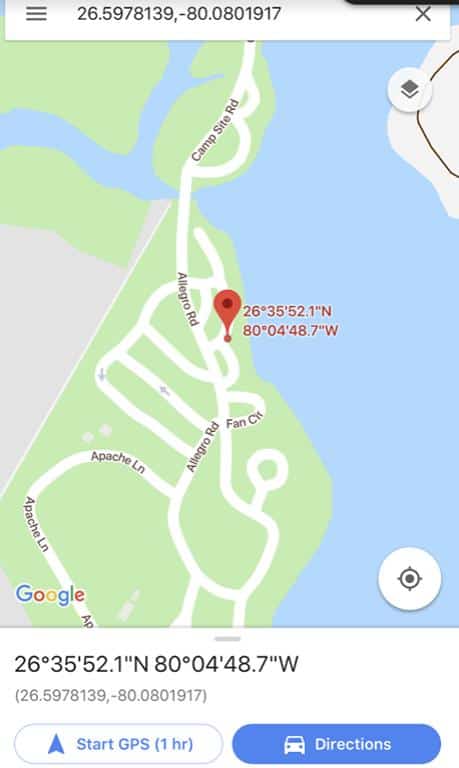 You do have to be sure that “geotagging” is set on for photos taken with your device. If you don’t know how to do that, here’s some instructions from Geeks on Tour: Geotagging Photos Android (1.5 min) or Apple (1.5 min). (Those links go directly to 1.5-minute segments on this topic from longer shows.)
I can even use this years later: Didn’t we stay at a campground somewhere near here a couple of years ago? Just look up the photo from two years ago and then navigate there.
No more worries about getting lost. I love getting lost! As long as I can find my way back.
This video will show you exactly what I mean. If you don’t see an i in the menu for your photos (as shown in this video), just swipe up on the screen to reveal the map.
##RVT904

What a great idea! I always use geotagging to remind me what the photo is, but I never thought of using it in such a helpful way. Thank you!
Or use a GPS, or one of many apps on the market to do the same.